GPU Cloud Login
This document explains how to log in to Korea University's GPU Cloud. Two login methods are supported
- Keystone Credentials (Default Authentication)
- OpenID Connect (SSO Authentication)
Logging in with Keystone Credentials
Keystone authentication is the default method used by OpenStack, where users log in using a username and password.
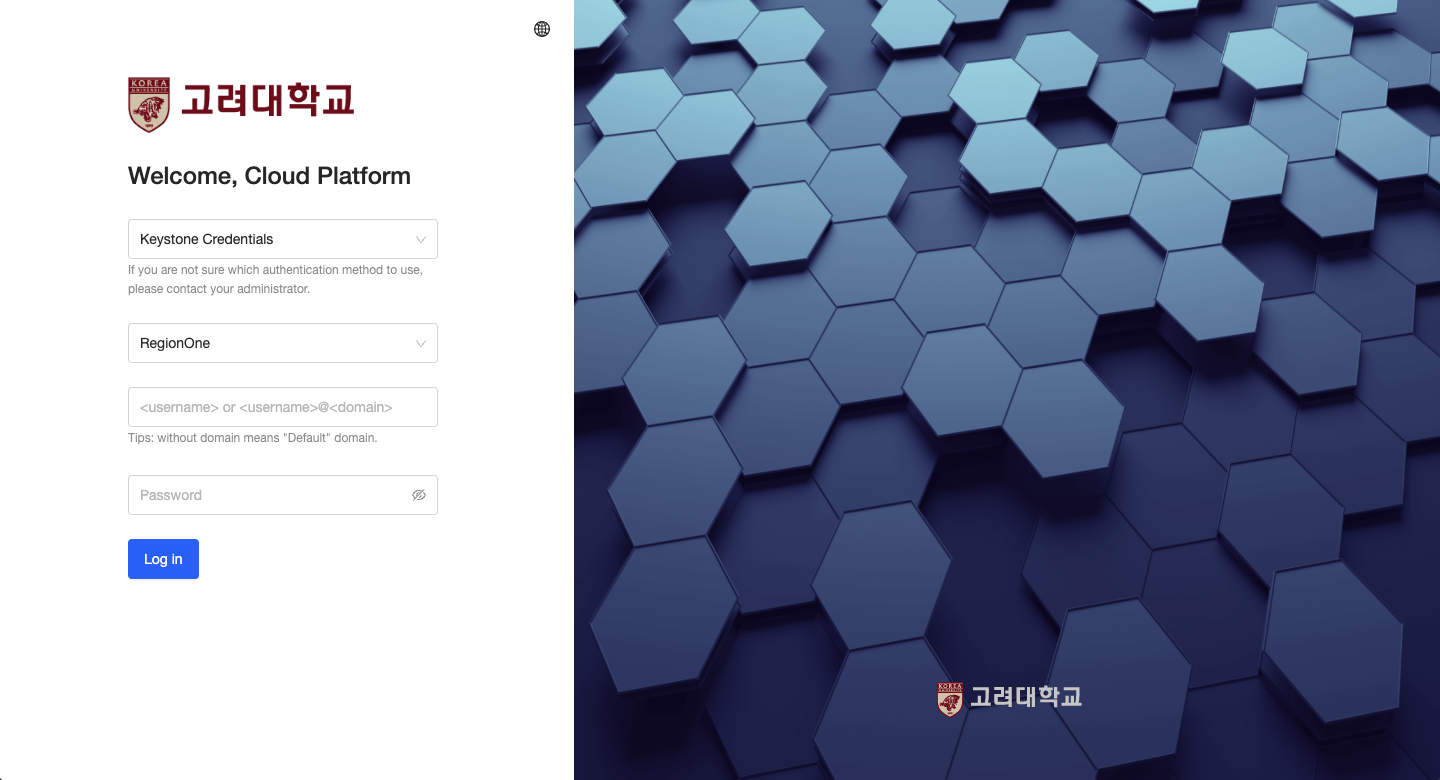
- Go to the GPU Cloud Login Page
- Select Authentication Type →
Keystone Credentials - Region: Select
RegionOne - Enter your Username and Password(You may enter
usernameorusername@domain)- If the domain is omitted, it defaults to
Default
- If the domain is omitted, it defaults to
- Click the Login button to authenticate
Logging in with OpenID Connect
OpenID Connect (OIDC) allows you to log in using an external identity provider.
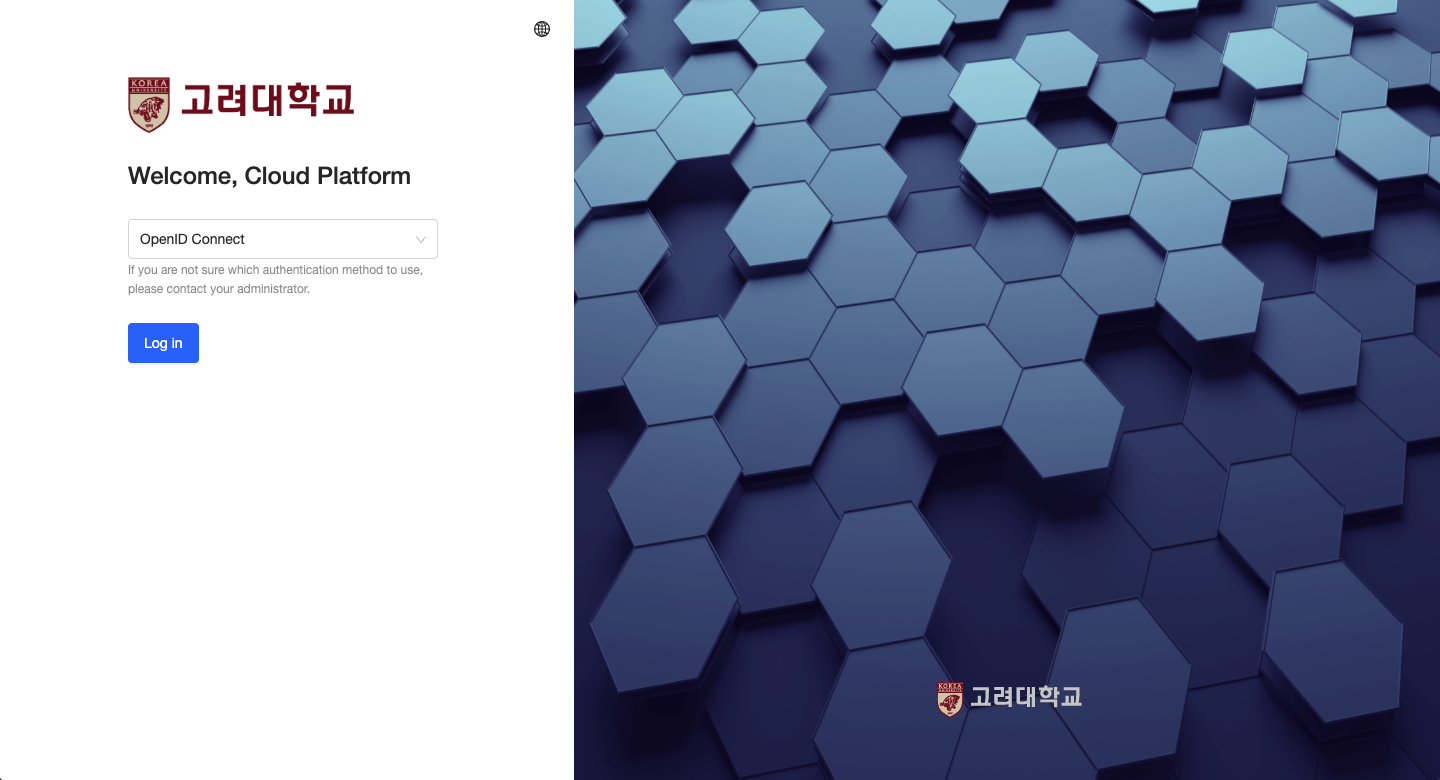
- Go to GPU Cloud Login Page
- Select Authentication Type →
OpenID Connect - Keep Region set to
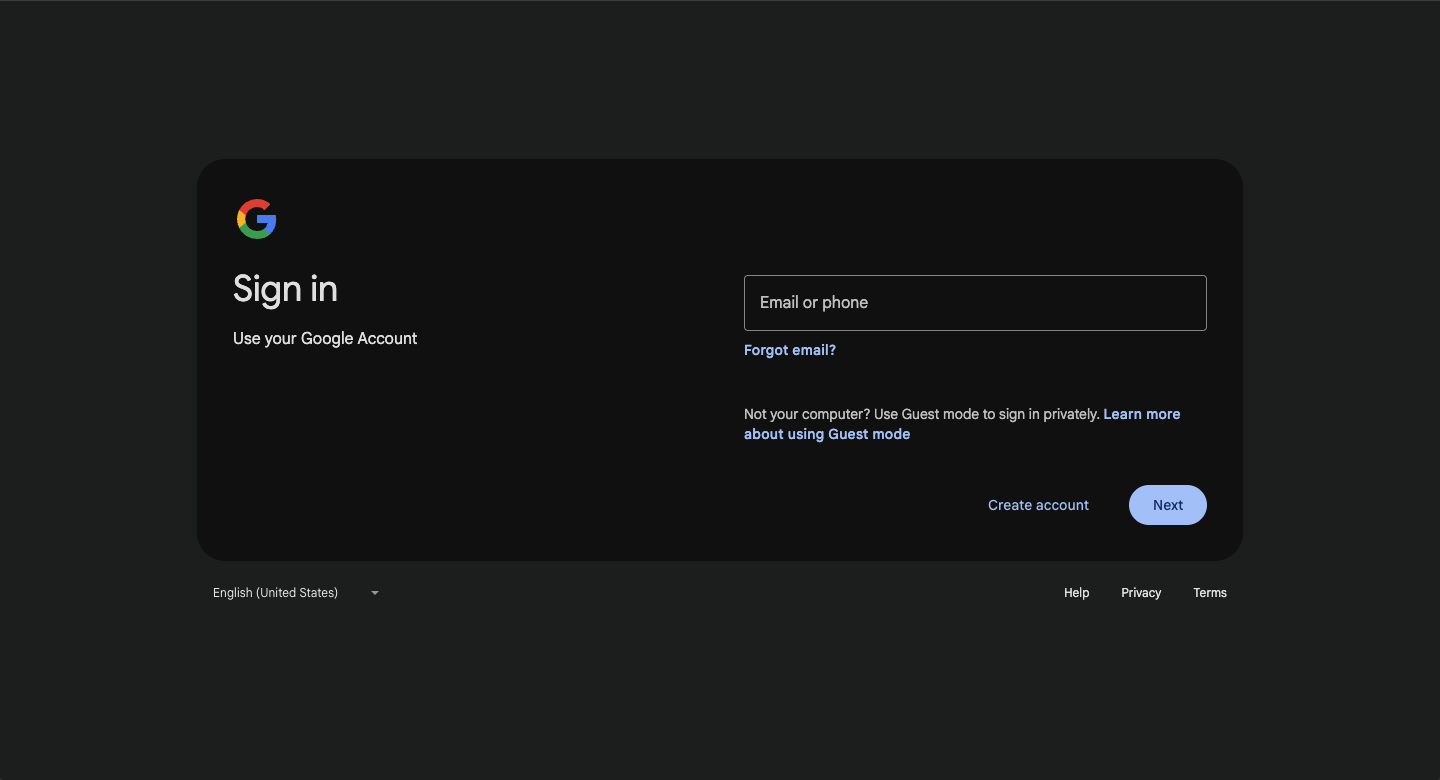
RegionOne - Click the OpenID Login button.: This will redirect you to a login page where you can enter your KU account credentials and complete the authentication.
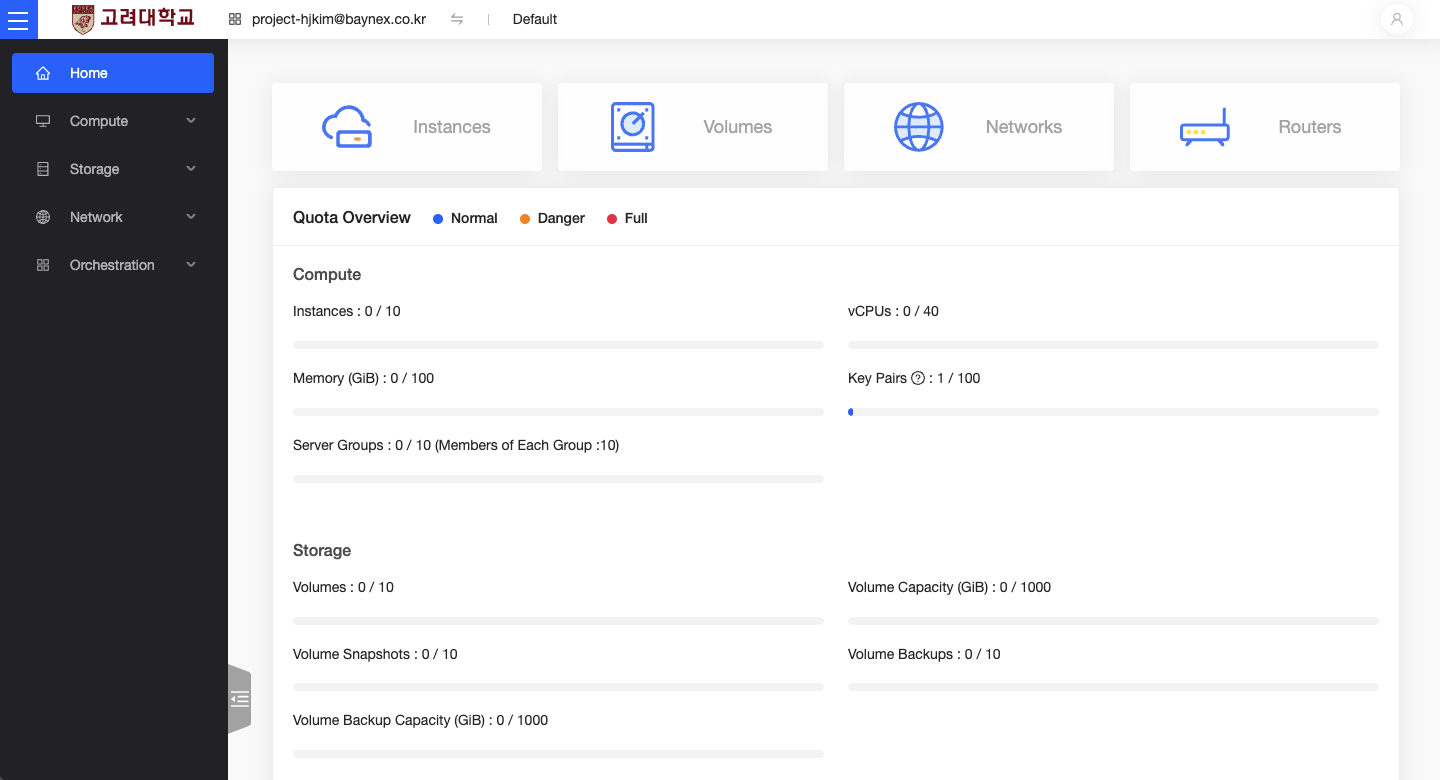
Successful Login
If the following dashboard screen appears, you have successfully logged in: